Payment receipt
Paid
- Transaction ID
- —
- Applicant
- —
- —
- Mobile
- —
- Amount
- ₹100.00
- Method
- —
- Date
- —
Choose Save as PDF in the print dialog. Allow pop-ups if nothing opens.
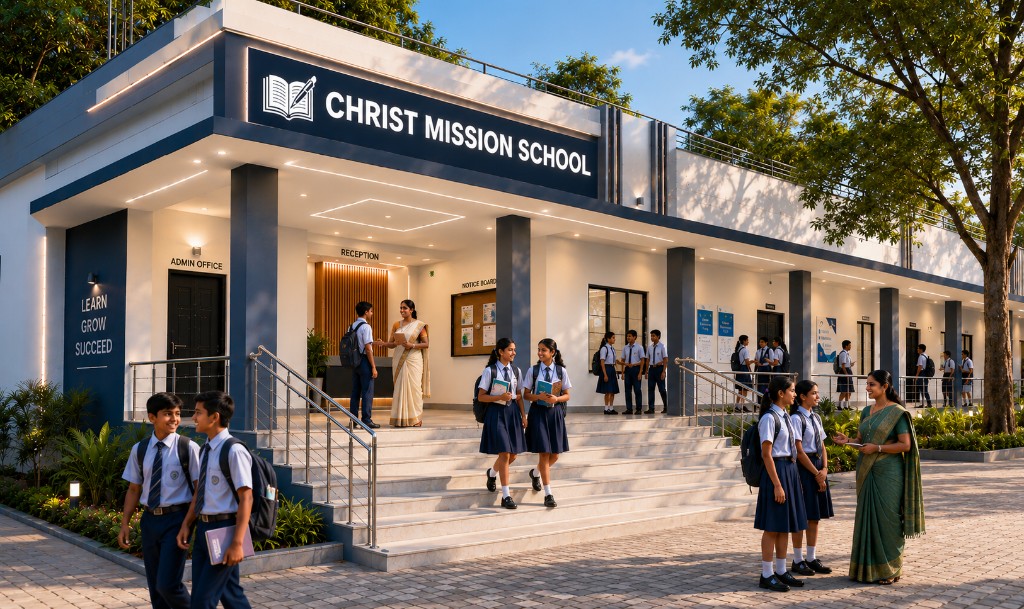
Empowering Minds • Nurturing Faith • Shaping Futures
Pay the ₹100 fee once per application (online or offline). After payment, your receipt and form appear on this page.
Click Pay ₹100 now to open Razorpay. Payment method and details are entered in the secure popup.
UPI · Cards · Net banking · Wallets
Your fee is confirmed. Your payment receipt and application form are shown together below. One ₹100 payment = one application (online submit or offline PDF download — not both).
Choose Save as PDF in the print dialog. Allow pop-ups if nothing opens.
Generate your auto-filled application from the portal (ref. CMS-APP-2026). Print, sign, and submit at campus with your documents.
Download the application form.
Fill in black or blue ink; attach attested copies as instructed on the form.
Submit at Christ Mission School, Mirganj, Purnea, during office hours.
Opens your form in a new tab — click Download Application (PDF), then choose Save as PDF. Use localhost:3000 if the page won’t load.